
Troubleshoot Pre-Installed Apps on Kindle Fire (1st Generation)
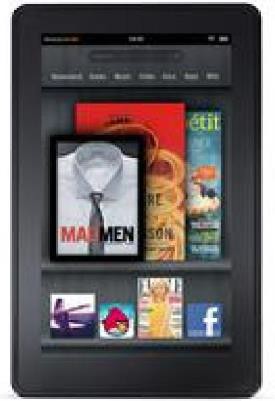
Contents
|
Issue |
Resolution |
|---|---|
| I want to purchase books from Audible but I'm only seeing My Library. |
Tap the shopping cart icon at the top of the screen, then browse or search for Audible titles. |
| I'm trying to download Audible files to my Kindle Fire. |
Tap the download button next to your title. |
| I'm having trouble using the Audible app. |
Contact Audible support: https://www.audible.com/about/contact. |
|
Issue |
Resolution |
|---|---|
| I want to add pictures or video from my computer to the Gallery. |
Connect Kindle Fire to your computer via USB cable. |
| I want to edit a photo in the Gallery. |
Tap the More icon to crop or rotate your image, and to view image details. To delete an image, tap the "Delete" icon. |
| I can't find an image or video I just downloaded from the Silk browser. |
From the Gallery home screen, tap Downloads to view images and videos that were downloaded using the Amazon Silk web browser. |
|
Issue |
Resolution |
|---|---|
| I'm being asked to log-in whenever I try to make a purchase. |
Sign-in using your Amazon.com password. The Amazon Shopping app requires your sign-in information before completing a purchase. |
|
I have to re-enter my payment method to complete a purchase. |
Re-confirm your payment method. If you purchase a gift card, edit any information for your address or enter an address you've never used before, you'll need to enter your credit card information again. |
|
I want to rate a seller. |
Visit Your Orders in Your Account from the web (http://www.amazon.com/your-account). |
|
Select the "Leave Seller Feedback" button next to the desired order. |